
Key Takeaways
A non-working key fob is often fixable without an immediate locksmith call. Start with the simple checks, then stop before a DIY attempt creates a larger electronic or security problem.
- Replace the coin-cell battery with the correct type and orientation.
- Test a spare fob, the hidden mechanical key, and the vehicle battery.
- Look for water, drops, heat, worn buttons, and signal interference.
- Reprogramming, smart keys, and damaged circuit boards may require professional tools.
- Keep a spare fob protected from moisture, heat, and physical impact.
Identify the most likely cause
When a key fob stops responding, avoid assuming that the remote itself has failed. A weak battery, damaged button, wet circuit board, interference, or a problem inside the vehicle can produce similar symptoms. If you are searching for “key fob not working what to do?”, begin with the least invasive checks and work toward the more involved possibilities.
Check for a weak or dead fob battery
A coin-cell battery is the most common starting point. Short range, intermittent locking, or a fob that works only when held close to the vehicle often points to low power. Most fobs use a battery such as a CR2032 or CR2025, but the owner’s manual or the marking on the old battery is the safer guide.
Heat can shorten battery life, especially when a fob is left inside a parked vehicle. Replacing the battery before it becomes completely weak may also help prevent intermittent problems and programming loss. For another practical look at how storage conditions affect everyday items, see this storage and freshness guide, though the same advice should not be applied literally to electronics.
Look for damaged, worn, or stuck buttons
Press each button with the same light pressure and notice whether one feels softer, loose, or recessed. A button that needs repeated attempts may have worn internal contacts, while a cracked shell can allow dirt or moisture into the electronics. Do not keep forcing a button that is physically stuck; the contact beneath it may already be damaged.
If the electronics still work, a replacement shell may solve a casing or button problem. If the circuit board is cracked or the fob fails after a fresh battery, the repair is less likely to be a simple housing swap.
Consider water, heat, drops, and other physical damage
A fob can be affected by rain, humidity, saltwater, a fall onto pavement, or high temperatures inside a parked car. A single drop may loosen a component or crack the circuit board, even when the outside looks mostly normal. Keep the remote out of direct sun and use a waterproof pouch for beach or boating trips.
The wider lesson is to protect small electronic devices from heat, liquid, and impact. If the fob has been soaked, move to the water-damage steps later in this guide rather than repeatedly pressing its buttons.
Rule out signal interference near the vehicle
Large metal structures, nearby wireless networks, and other electronics can interfere with the programmed signal between the fob and the vehicle. If the remote works in one location but not another, step a few feet away, change your angle, and try again. A parking structure or crowded area can make this test especially useful.
Signal interference is temporary, while a damaged fob or receiver usually fails more consistently. A useful general troubleshooting reference is this key fob problem guide, which covers interference, battery trouble, and climate-related damage in a similar context.
Test whether the vehicle or key fob is the problem
The next step is to separate a fob issue from a vehicle issue. Try more than one access method before opening the remote or ordering a replacement. These checks can show whether one fob has failed, whether the car has lost electrical power, or whether the receiver may not be hearing any signal.
Try the spare key or fob
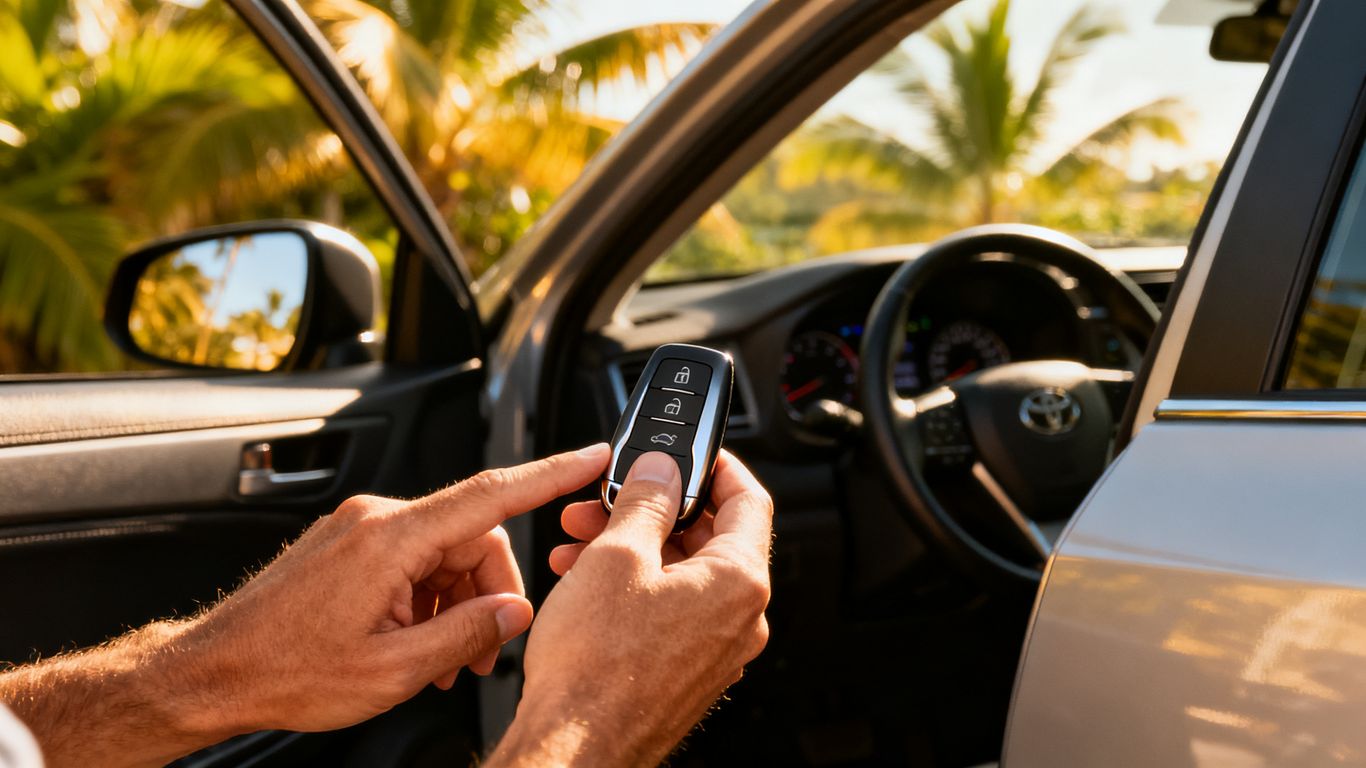
If a spare fob locks and unlocks the vehicle normally, the original remote is the likely problem. Compare its range, button feel, and response rather than assuming both fobs have the same fault. If neither fob works, look more closely at the vehicle battery, receiver, or local interference.
A spare is also valuable before an emergency occurs. Replacing or programming a working duplicate is generally less disruptive than losing the only authorized key and needing a complete replacement.
Use the mechanical key hidden inside the fob
Many fobs contain a removable mechanical key for opening the driver’s door when the remote battery or vehicle battery is dead. Look for a release tab or small latch on the housing, then slide the key out without forcing the casing. The owner’s manual may show the location of the concealed keyhole, which is sometimes behind a small trim cover.
This method gets you into the vehicle, but it does not necessarily solve a push-to-start problem. Once inside, follow the vehicle’s instructions for starting with a weak or undetected fob.
Check whether the car battery is weak or dead
A weak vehicle battery can make a healthy fob appear useless because the car may not unlock electronically, recognize the signal, or start. Use the mechanical key, then check whether interior lights, the dashboard, or other electrical systems are also unusually weak. If the car starts after a jump, the vehicle battery deserves attention.
These symptoms can overlap, so avoid buying a new fob until you know the vehicle has adequate power. If the car still does not respond after its battery issue is addressed, continue testing the remote and receiver.
Determine if the vehicle’s receiver may be faulty
The vehicle has an internal receiver that listens for the fob’s programmed signal. If that receiver fails, the car may reject every fob even when each remote is transmitting correctly. This is less common than a dead battery, but it becomes more plausible when two known-good fobs fail in the same way.
A professional can test the fob’s signal and help distinguish a remote fault from a vehicle electrical problem. For additional context on safe access when the vehicle is not responding, see this car lockout advice, but do not pry at the door or force the lock.
Replace the key fob battery safely
Battery replacement is a reasonable home repair when the casing opens normally and the fob has no signs of water or severe impact. Work over a clean, flat surface so a small contact, spring, or chip cannot disappear. Take a quick photo before removing anything, then keep the old battery nearby until the new one is installed.
Find the correct coin-cell battery
Read the number printed on the old battery and compare it with the vehicle manual. CR2032 and CR2025 batteries may look similar but are not automatically interchangeable in every fob. Buy a fresh battery from a reliable source and avoid mixing an old cell with a new one.
The battery number is only part of the job. The contact layout and the fob’s design also matter, so do not force a thicker battery into a compartment that was not made for it.
Open the fob without damaging the casing
Remove the mechanical key or battery cover first, then locate the seam around the shell. Use a small flat screwdriver or the tool recommended by the manufacturer and gently work around the seam rather than twisting hard in one spot. A cracked edge can prevent the two halves from closing tightly afterward.
Keep the pressure controlled and protect the plastic from deep scratches. If the casing will not separate without force, pause and check the manual or have the fob opened professionally.
Install the battery in the correct orientation
Look for the plus and minus markings before lifting out the old cell. Install the replacement in the same orientation, usually with the marked side facing a particular contact, but follow the fob’s own markings rather than relying on a general rule. Confirm that the metal contacts touch the battery firmly and evenly.
Correct orientation is essential because even a new battery produces no useful result when the contacts are reversed or misaligned. Close the casing until it sits flush, without leaving a gap that can admit moisture.
Test the lock, unlock, trunk, and panic buttons
Test each function near the vehicle after the shell is closed. Check the lock, unlock, trunk, and panic buttons separately, then confirm that the vehicle recognizes the fob for starting if it uses a transponder or push-button system. A single working button does not prove that the complete fob is healthy.
Use this compact check before deciding what to do next:
| Result after battery replacement | Most likely next step | Avoid |
|---|---|---|
| All buttons work normally | Keep using the fob and monitor range | Leaving the spare untested |
| Range is still very short | Check contacts, interference, or internal damage | Repeatedly pressing harder |
| No buttons respond | Test the spare and vehicle battery | Assuming the battery is the only fault |
| Vehicle will not recognize it | Check programming or receiver issues | Ordering an unverified replacement |
If the battery is fresh and the fob still fails, the problem may involve programming, the circuit board, or the vehicle rather than the coin cell.
Restore a fob that has lost its programming
A fob communicates with the vehicle through a programmed signal. Low battery, an electrical glitch, or interference can sometimes leave the vehicle unable to recognize that signal, even though the buttons still feel normal. Reprogramming is different from changing a battery and may require equipment that is not available at home.
Recognize signs of a programming or synchronization issue
A programming issue may appear when the fob stopped working suddenly, the battery change made no difference, or the vehicle displays a key-not-detected warning. Intermittent push-to-start behavior and a remote that transmits but is not accepted by the car can also point in this direction. First rule out the vehicle battery and interference so the diagnosis is not based on one symptom alone.
A new shell does not restore programming, and a new coin cell does not necessarily resynchronize the fob. Those are separate parts of the repair.
Follow vehicle-specific reprogramming instructions when available
Some vehicles provide an owner-accessible synchronization procedure, while others do not. Use the instructions for the exact year and model in the owner’s manual, and follow every timing and button sequence precisely. Generic internet sequences can be wrong for your vehicle and may waste time.
If the manual does not provide a procedure, do not keep experimenting with the ignition or start button. Record what happened and move to a qualified diagnostic option.
Understand why modern smart keys need specialized tools
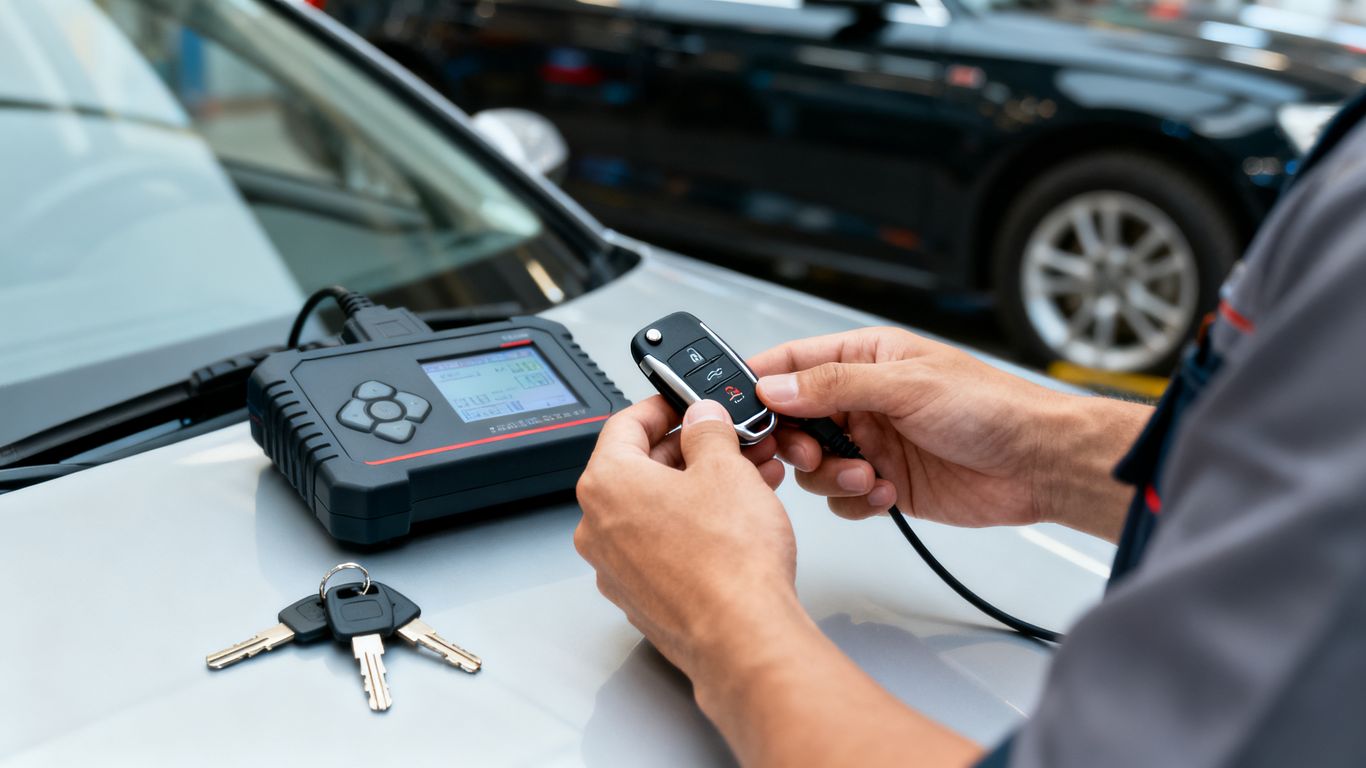
Smart keys and proximity fobs may need more than a simple button sequence. A locksmith may need specialized tools to test the signal, access the vehicle’s security system, and program or resynchronize the key correctly. This is particularly relevant when the original fob is lost or when all keys have stopped being accepted.
TMJ & Sleep Disorders is an unrelated example of specialized diagnostic equipment in another field; the useful point here is simply that precise testing matters more than guessing. Do not treat a smart key like a basic metal duplicate.
Know when professional reprogramming is necessary
Call for help when a fresh battery fails, the fob is not detected, the only key is lost, or the vehicle requires a smart-key or transponder procedure. Double Quick Locksmith provides mobile fob reprogramming and re-syncing, including existing keyless entry remotes, proximity fobs, and smart keys, with service performed where the vehicle is located.
A mobile locksmith can also test the remote before recommending replacement. That may prevent you from paying for a new fob when the actual problem is the receiver or synchronization.
Handle a wet or water-damaged key fob
Water damage becomes more serious while electricity is still flowing through the device. Rain, humidity, spilled drinks, pools, and saltwater can all affect the contacts and circuit board, but saltwater is especially corrosive. Act quickly, then resist the urge to test the buttons every few minutes.
Remove the battery immediately
Take out the battery as soon as possible and set it aside for proper disposal. Dry the outside with a towel, but do not press buttons while moisture may still be inside. Removing power reduces the chance of a short while you prepare the fob for drying.
If the fob is sealed and you cannot remove the battery without damaging it, leave it alone and get advice rather than cutting into the casing.
Dry the internal components completely
Open the shell if it can be opened safely and separate the components only as far as the design allows. Blot visible moisture, then leave the parts in a dry, ventilated place for at least a full day. The outside can feel dry while moisture remains beneath the board or around the contacts.
Do not reinstall the battery simply because the buttons look dry. Complete drying is more important than a quick test.
Respond differently to freshwater and saltwater exposure
Freshwater can still short a circuit, but saltwater leaves corrosive residue behind. After saltwater exposure, the internal parts may be briefly rinsed with clean fresh water to remove salt, provided the fob is already open and the components can be dried completely afterward. If you are uncertain, avoid improvising and ask a professional.
A beach day is a good reason to carry the key in a waterproof pouch rather than loose in a bag. Prevention is easier than cleaning corrosion from a tiny circuit board.
Avoid heat sources that can damage the circuit board
Do not use a hair dryer, oven, heater, or direct dashboard sunlight to speed up drying. Excessive heat can warp plastic, weaken battery contacts, or damage the board. Room-temperature airflow is slower but safer for the casing and electronics.
Patience matters here. A rushed heat treatment can turn a fob that might have recovered into one that needs replacement.
Decide whether the fob can be repaired or needs replacement
Once the parts are fully dry, install a new battery and test the remote. If it remains unresponsive, corrosion or a damaged component may have set in. Double Quick Locksmith can test whether the fob is sending a signal and help determine whether repair or replacement is the more practical option.
Do not assume a water-damaged fob is safe just because it works once. Intermittent operation after moisture exposure is a reason to arrange a spare before the remote fails completely.
Replace a damaged key fob without replacing the whole key
A cracked shell, broken key-ring loop, or worn outer buttons does not always mean every internal component must be replaced. If the circuit board and transponder are intact, moving them into a compatible replacement shell may restore the physical housing. This is a small repair, but the internal parts are easy to lose or install incorrectly.
Transfer the circuit board into a new shell
Open the replacement shell first so you understand how its pieces fit, then open the damaged fob on a clean table. Photograph the original layout before lifting the circuit board. Move the board into the new shell in the same direction, keeping the buttons aligned with their openings.
Do not assume two shells with similar shapes have identical internal layouts. Compatibility and orientation matter more than appearance.
Protect and correctly position the transponder chip
The transponder chip is the part that communicates with the vehicle’s immobilizer system. It may be tucked under plastic or near the key blade, depending on the design. Transfer it carefully and place it in the new shell exactly as it was positioned before.
Without that chip, the blade may fit the door and the engine may crank, but the vehicle may not keep running. This is why a shell swap is an electronics job as well as a plastic repair.
Reinstall the battery contacts and key blade
Small metal battery contacts must sit firmly in their slots and touch the cell correctly. Reinstall the original cut blade and check its hinge or spring mechanism before snapping the shell shut. If the blade flips out, confirm that it moves smoothly and does not bind against the new casing.
A clean, flat workspace helps keep springs, contacts, and chips from rolling away. If a component is missing, stop before closing the shell.
Test the buttons, locks, and ignition before finishing
Test the blade release, lock, unlock, trunk, and ignition or start function before treating the repair as complete. If the buttons work but the vehicle will not start, recheck the transponder position rather than assuming the battery is wrong. If nothing works, inspect the board and contacts before trying another shell.
For a more detailed shell-transfer reference, see this damaged key fob guide. Professional help is safer when the circuit board itself is damaged, the original chip is missing, or programming is required.
Know when to call a mobile locksmith
A mobile locksmith becomes the sensible next step when basic testing has not solved the problem or when you no longer have a working key. This is especially true for smart keys, lost fobs, immobilizer issues, and vehicles that cannot be driven to a shop. Double Quick Locksmith brings mobile locksmith service to the vehicle’s location across Honolulu and Oʻahu, so a tow may not be necessary.
Get help after a new battery fails
If a correctly installed battery does not restore the fob, the next possibilities include worn contacts, a damaged circuit board, lost programming, signal interference, or a faulty vehicle receiver. Replacing batteries repeatedly will not fix those underlying issues. A technician can test the fob and narrow down the fault before recommending a replacement.
You can also request mobile help when you are stuck and need the problem assessed at the vehicle rather than carrying on with trial and error.
Replace or program a lost smart key
A lost smart key usually requires more than cutting a metal blade. The replacement may need to be matched to the vehicle’s security system, and proof of ownership is appropriate before this work begins. If you have one working key left, make a backup before that last key is lost or damaged.
For an additional overview of the options after a lost key, read this lost car key guide. Keep the focus on your exact year, make, model, and key type when requesting a quote.
Compare locksmith service with dealership costs
A dealership may be appropriate for a covered vehicle, a factory campaign, or a system that requires proprietary server authentication. A mobile locksmith can be more convenient when the vehicle is stranded, because service may be performed at the vehicle’s location rather than after towing and scheduling. Ask what is included: the fob, cutting, programming, testing, travel, and any emergency charges.
This dealer versus locksmith comparison can help organize those questions. The cheapest quote is not necessarily the best if it excludes programming or compatibility testing.
Prepare the vehicle details and proof of ownership
Have the year, make, model, VIN if available, vehicle location, identification, registration, and any remaining key ready. These details help identify the correct fob and verify that the request is authorized. Mention whether the issue began after water exposure, a drop, a battery change, or a warning on the dashboard.
Clear information makes an urgent service call more efficient. It also helps prevent an unsuitable replacement from being ordered.
Prevent future failures with a spare fob and protective case
Keep a spare fob in a known, secure location and protect both remotes from moisture, drops, and direct sun. Do not hide a proximity fob on the vehicle, where it could create a security risk. A waterproof pouch for beach days and a protective case for daily use are simple precautions.
A few habits are especially worthwhile:
- Replace the fob battery before it becomes unreliable.
- Test the spare fob every few months.
- Keep the remote away from saltwater, heat, and hard falls.
- Record the vehicle details and store them somewhere accessible.
These steps cost little compared with being stranded without an authorized key. They also make the next diagnosis much clearer.
Get Key Help On-Site
If a fresh battery, spare fob, and basic vehicle checks do not solve the problem, contact Double Quick Locksmith for mobile key-fob testing, programming, re-syncing, or replacement at your location. Getting the issue assessed before the last working key fails can save time and avoid an unnecessary tow.
Conclusion
A key fob usually gives you useful clues before it fails completely: reduced range, inconsistent buttons, water exposure, or a vehicle that stops recognizing the signal. Check the battery, test the car and spare, protect the electronics, and leave programming or damaged security components to a qualified professional when needed.
Frequently Asked Questions
Why is my key fob not working after I changed the battery?
The battery may be the wrong type or orientation, the contacts may not be touching, or the fob may have lost programming. Water damage, a broken circuit board, vehicle battery trouble, and receiver faults are also possible.
How do I know whether the key fob or car battery is dead?
Use the mechanical key to enter the vehicle and check the interior lights, dashboard, and other electrical functions. Testing a spare fob can also show whether the problem follows the remote or affects the vehicle.
Can I start my car with a dead key fob?
Many vehicles provide an emergency starting method, such as placing the fob near a designated start-button area or using the hidden mechanical key for entry. Check the owner’s manual for the exact procedure.
Will a new battery reprogram a key fob?
No. A battery supplies power, while programming pairs the fob with the vehicle. Some vehicles may need synchronization after a battery change, but the required process depends on the make, model, and year.
What should I do if my key fob gets wet?
Remove the battery immediately, dry the outside, open the casing if safe, and let the components air-dry completely. Saltwater exposure needs special care because residue can corrode the electronics.
Can I replace only a cracked key fob shell?
Often, yes, if the circuit board, battery contacts, transponder chip, and blade are intact and the replacement shell is compatible. Take care with orientation and test the buttons and ignition before finishing.
When should I stop troubleshooting and call a locksmith?
Call when a fresh battery fails, every fob is rejected, the only key is lost, the fob has serious water or impact damage, or smart-key programming is required. Continuing to pry, heat, or repeatedly reprogram the fob can make the repair more difficult.