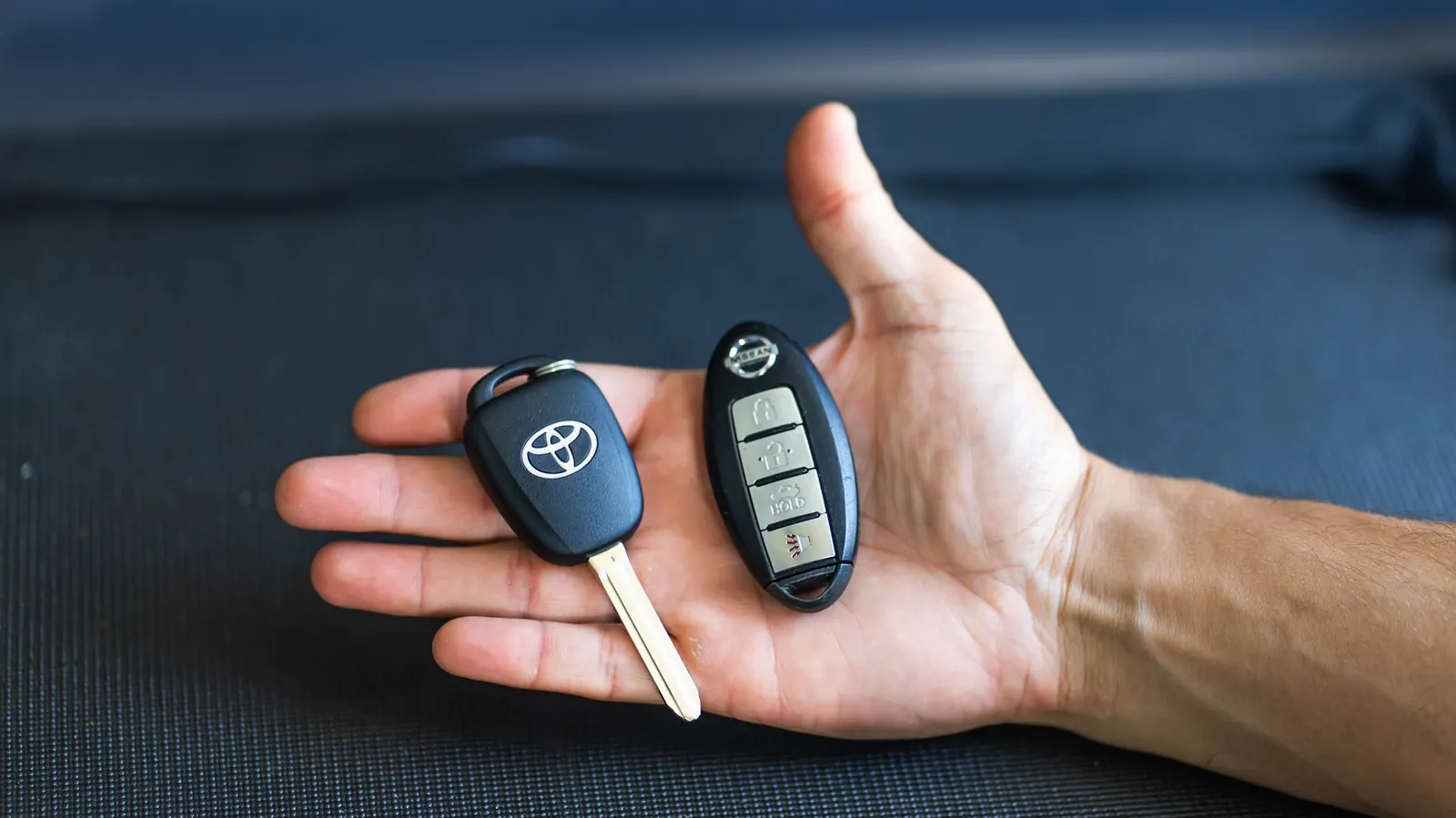
If you’ve ever stood in a parking lot staring at a key or fob and wondering “what even is this thing?”, you’re not alone. Modern cars use several types of car keys, and knowing which one you have makes a big difference when you need a spare, lose the only one, or a button stops working.
This guide walks Oahu drivers through the main key types you actually see on the road — from a simple metal blade to a push-to-start smart fob — how to tell them apart, and what that means when it’s time to call for help. Double Quick Locksmith has served Oahu drivers since 2021, including everyday cars, trucks and fleet vans, and our mobile automotive locksmith service is fully mobile 24/7, so the work comes to you.
How to Tell Which Car Key You Have
Before the deep dive, use these quick cues:
- Blade only, no plastic head with buttons or a chip feel: usually a basic mechanical key (older cars).
- Thick plastic head, no buttons (or only a tiny LED): usually a transponder / chip key.
- Buttons built into the same head as the metal blade: a remote-head or flip / switchblade key.
- Separate clicker plus a metal key on the same ring: remote and key are two pieces.
- No blade sticking out, car starts with a dash button: a smart / proximity / push-to-start fob (there is often a hidden emergency blade inside).
If you’re still unsure, a photo of the key and your car’s year, make and model is enough for a locksmith to identify it when you call.
1. Basic / Mechanical Blade Keys
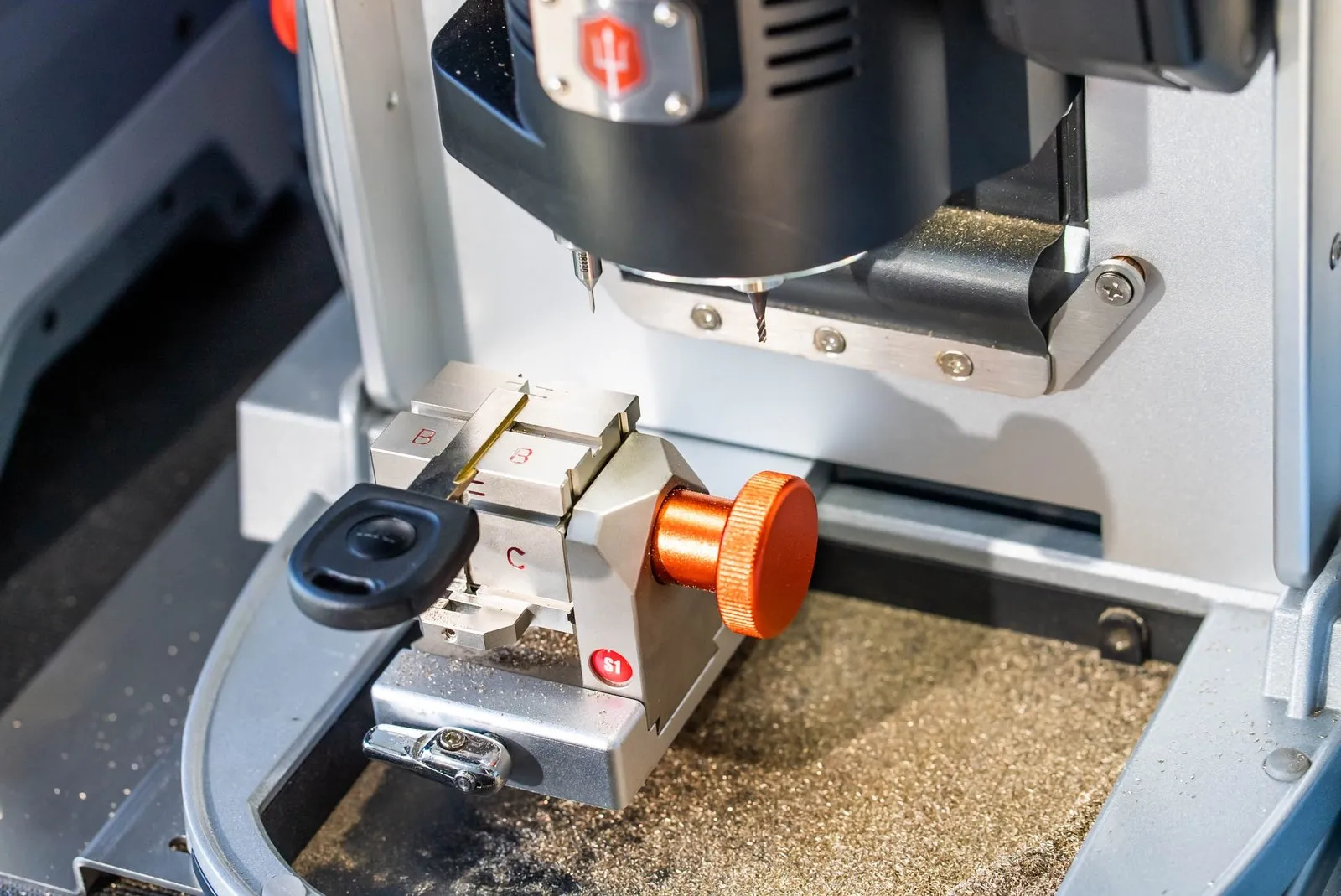
These are the classic metal keys with teeth (or a laser-cut groove) and little or no electronics in the head. You’ll mostly find them on older cars and some simple secondary keys.
What that means for you
- Losing one is usually a cutting job, not a programming job — as long as the car doesn’t also need a chip.
- A spare is inexpensive relative to modern fobs and is still one of the best “don’t get stranded” habits you can have.
- Many island cars from the early 2000s and before still use this style as the main key.
Even a “simple” key has to match your lock correctly. A poorly cut copy can wear the ignition or refuse to turn on a sticky cylinder. If you need a clean duplicate or the only key is worn smooth, car key replacement on site covers blade keys as well as modern ones.
2. Transponder / Chip Keys
A transponder key looks a lot like a regular key, but the plastic head hides a small chip. When you turn the ignition, the car’s immobilizer looks for that chip. No match, no start — even if the blade turns.
How to spot one
- Thick plastic head with no remote buttons (sometimes a tiny light).
- The car has an immobilizer / security light on the dash that behaves differently when the wrong key is tried.
- You were told years ago that “hardware-store copies won’t start the car.”
What that means for you
- Cutting the blade is only half the job. The new key still has to be programmed so the car accepts the chip.
- If you lose the only working chip key, you generally need a locksmith (or dealer) who can program a replacement to that specific vehicle.
- Spares are worth it: one lost chip key with no backup is a much bigger headache than a lost blade key.
For a plain walk-through of how that programming step works, see our step-by-step guide to car key programming.
3. Remote-Head and Flip Keys
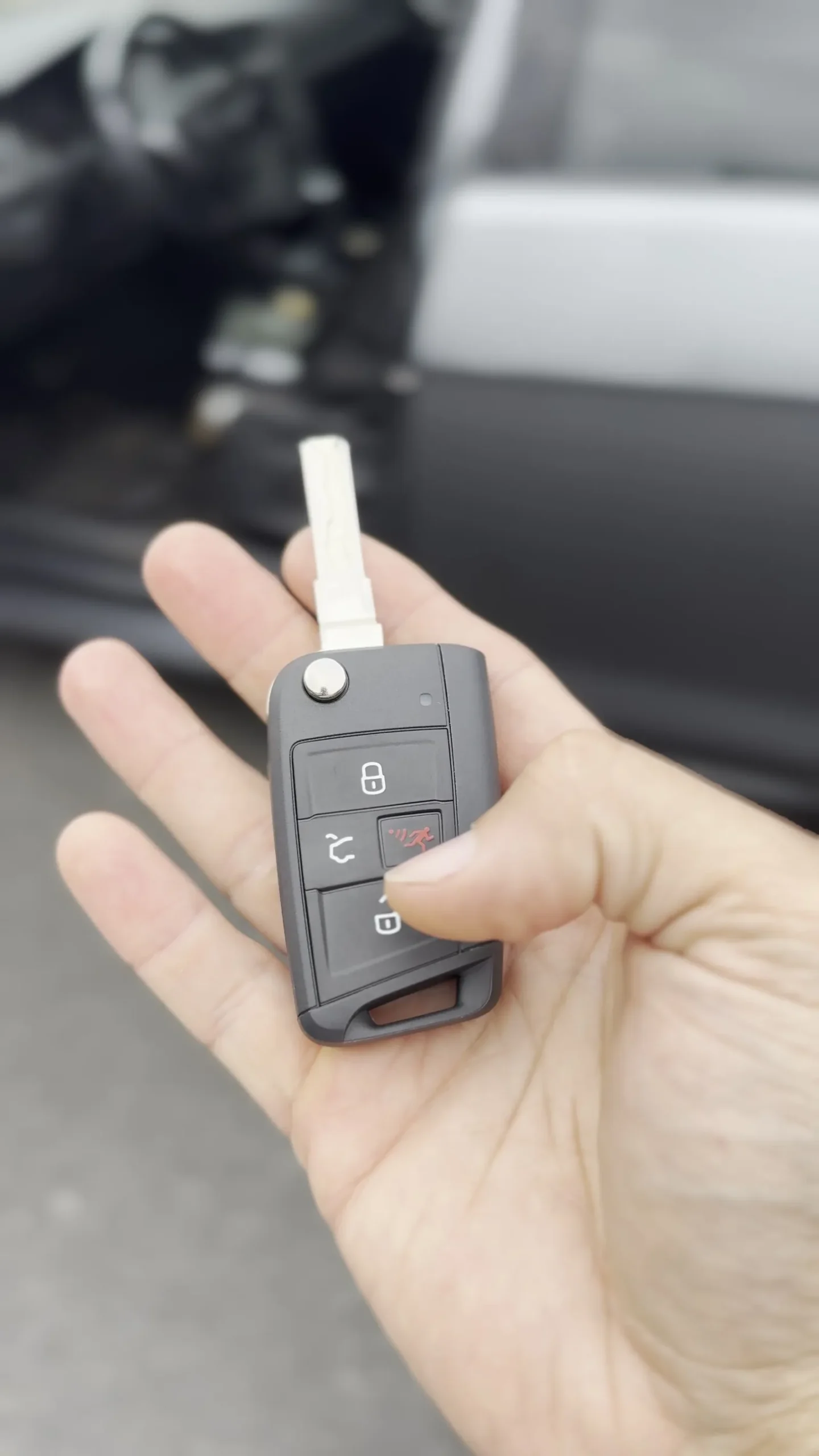
These combine a metal blade and remote buttons in one piece. Flip (or switchblade) keys fold the blade into the fob until you press a release. Remote-head keys keep the blade fixed and put lock / unlock / trunk / panic buttons on the same head.
How to spot one
- Buttons live on the same plastic head as the blade.
- Flip keys have a round release button and a blade that folds away.
- Often used on mid-2000s through recent cars that still have a traditional ignition slot.
What that means for you
- A dead battery in the fob can stop the remote buttons even when the blade still starts the car.
- Replacing a cracked shell, worn buttons or the whole unit usually means cutting a new blade and programming the remote (and often the chip) to your car.
- If buttons fail but the car still starts with the blade, you may only need fob work — or you may want a full spare before the blade side fails too.
When the clicker side is the problem, our key fob replacement in Honolulu page covers remotes and integrated heads. If the fob is intermittent, also see what to do when your key fob is not working.
4. Separate Remote + Key
Some vehicles still use a metal key (often a transponder key) plus a separate remote on the same ring. The remote handles lock / unlock / trunk; the key handles the door and ignition.
How to spot one
- Two pieces: a clicker with no blade, and a key that looks like a transponder or blade key.
- The remote may say the brand name; the key head may be plain black plastic.
What that means for you
- You can lose or break one piece without losing the other — which is handy, until the piece you lost is the only thing that starts the car.
- Remotes and keys are often programmed separately. Tell the locksmith which piece failed.
- A spare of each piece (or at least of the starting key) is the practical move for beach days, pau hana runs and school drop-offs when keys get split between bags.
5. Smart Keys, Proximity Fobs and Push-to-Start
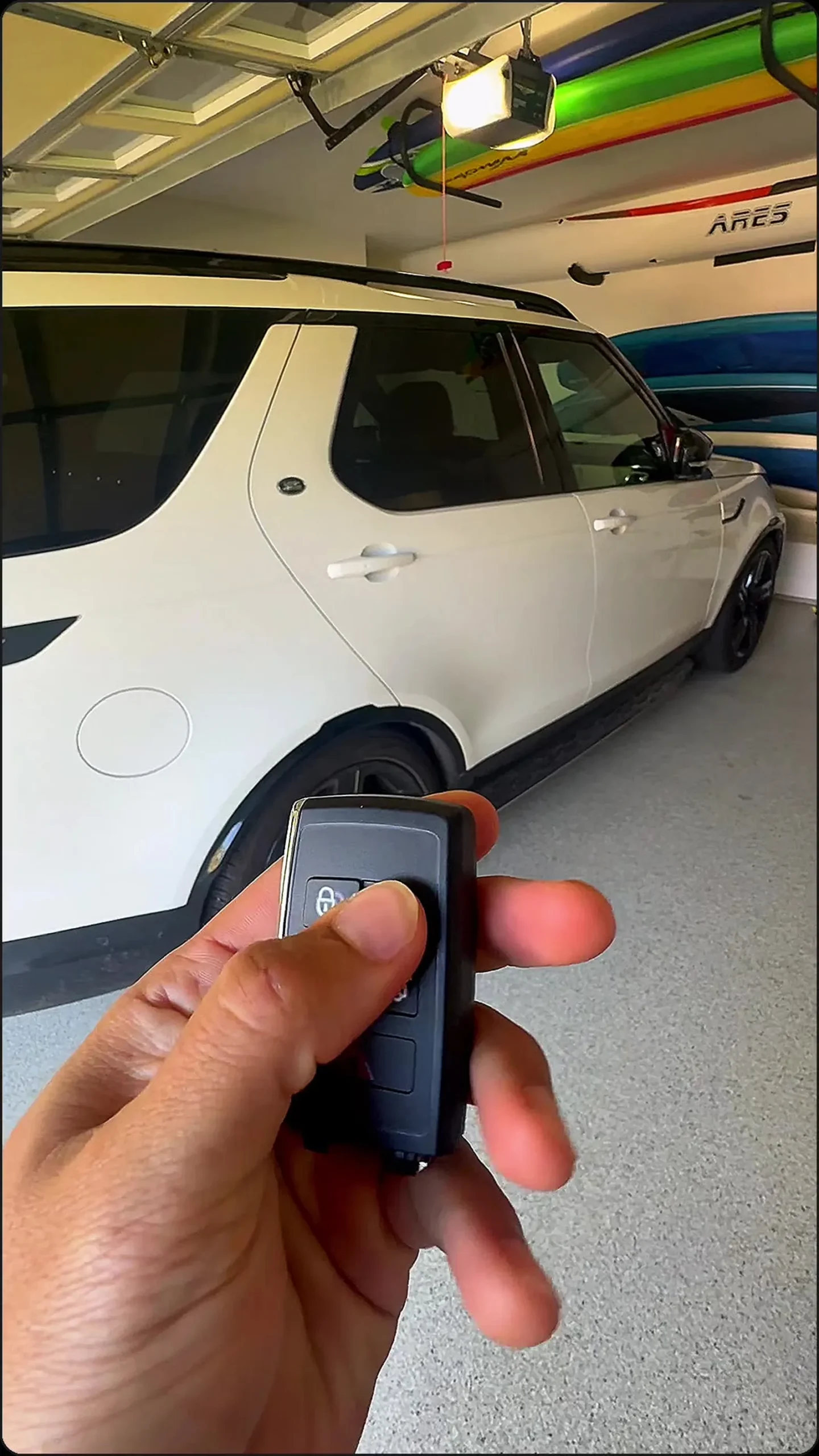
If your car unlocks as you walk up and starts with a dashboard button while the fob stays in your pocket or bag, you have a smart / push-to-start key. There is usually a small emergency metal blade hidden inside the fob for lockouts or a dead fob battery.
How to spot one
- No blade sticking out in normal use.
- Push-button start on the dash or console.
- The fob may have lock / unlock / trunk / remote-start buttons, or it may be a minimal “card” style on some models.
What that means for you
- Almost every replacement has to be programmed to your specific car. A lookalike fob from online will not start it.
- A weak fob battery can cause intermittent unlocks, “key not detected” warnings or a no-start even though the car is fine.
- If the only fob is lost, treat it as both a convenience and a security issue — a working lost fob can still open and start the car until it’s dealt with.
Double Quick Locksmith programs smart keys and remotes on site through car key programming. Access to vehicle security data for newer cars is tightly controlled; in the U.S., independent shops use NASTF’s Secure Data Release Model so registered professionals can retrieve the information needed to finish the job correctly.
Lost a Key, Need a Spare, or Not Sure?
A few practical rules of thumb for Oahu drivers:
- Still have one working key: getting a spare made now is almost always easier than waiting until you’re down to zero.
- All keys lost: a mobile locksmith can usually originate a new key and program it at your car, without a tow. Start with our guide to lost car keys in Honolulu.
- Buttons dead, car still starts: often a fob battery, worn keypad or remote that needs replacement and programming.
- Push-to-start, “key not detected”: try a known-good fob battery first; if that fails, the fob or the car’s receiver may need professional attention.
- Not sure which type you have: text or tell us the year, make and model and send a photo of the key — we’ll tell you what we’re looking at before you commit.
We’re fully mobile across Oahu, 24/7, with a fast response. No storefront visit required.
Related Posts
- Car Key Programming Explained: A Step-by-Step Guide
- Key Fob Not Working? What to Do Before Calling a Locksmith
- Lost Car Keys in Honolulu? Here’s What to Do Before You Panic
Summary
- Oahu drivers mainly see five setups: basic blade keys, transponder/chip keys, remote-head or flip keys, separate remote + key, and smart / push-to-start fobs.
- Blade-only keys are mostly a cutting job; almost everything newer also needs programming to your specific car.
- Buttons on the key head mean you’re dealing with a remote (and usually a chip) in one piece; a dash push-button means a smart fob, often with a hidden emergency blade.
- Spares matter — especially when you’re down to one chip key or one smart fob.
- Double Quick Locksmith is mobile 24/7 across Oahu and can identify your key type, cut and program replacements on site.
Call for a quote: (808) 758-4599